Clean Your Storage Faster with Czkawka
Find duplicate files, similar photos, empty folders and space-hungry files. Learn a careful Windows workflow that protects the originals you want to keep.
Current project release: 12.0.2 · Krokiet is the maintained graphical interface. Always check the source and file before running.
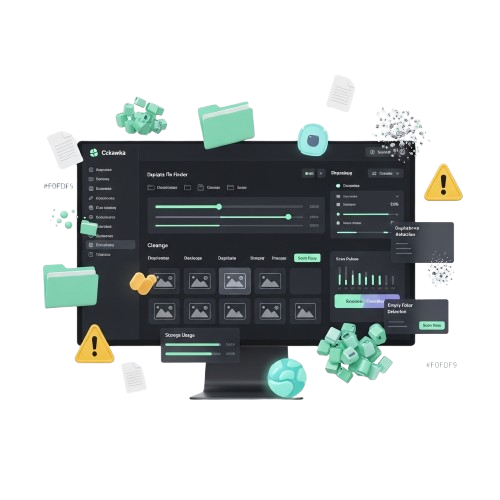
Powerful features, careful decisions
Use the right detector for your task. A result is a candidate to review—not automatic permission to delete a file.
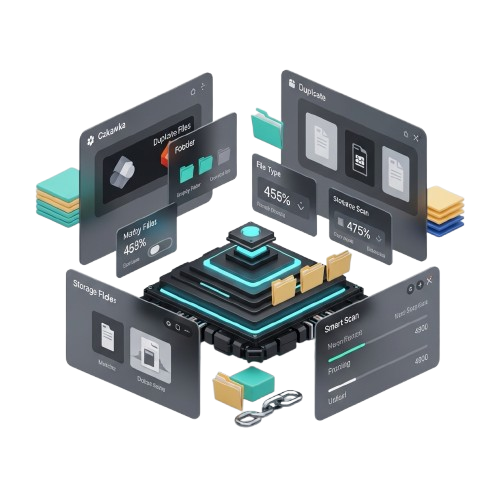
Built for finding files you can review
Czkawka is an open-source tool written primarily in Rust. Its scanners locate exact duplicates, similar media, empty files, large files and other candidates across folders that you select.
As of release 12.0.2, Krokiet is the frontend maintained by the project. Older Czkawka GTK builds remain a legacy option. We explain both so Windows users know which executable they are choosing.
See detailed features and limitations →How to clean files without guessing
- Back up
Verify a restore copy before changing important libraries.
- Choose folders
Include user-managed files and exclude system/backup locations.
- Scan and review
Check exact content, previews and file paths.
- Verify results
Keep the original and recheck disk space afterwards.
Start with these Windows guides
Czkawka Download for Windows: Which File to Choose?
The project currently recommends Krokiet, its supported graphical frontend. Release 12.0.2 also offers a legacy GTK…
Read guide →Krokiet vs Czkawka GTK: Which Windows App?
Krokiet is the actively developed desktop interface recommended by the maintainers. Czkawka GTK is a legacy interfa…
Read guide →Your First Czkawka Scan: Safe Windows Walkthrough
Start with one small folder that you can restore. Scan without deleting, review the groups, and confirm you underst…
Read guide →Czkawka Not Finding Duplicates: 7 Checks
The mode, scan scope, excluded paths, size filters, permissions or cache can hide candidates. Use two known identic…
Read guide →Find Similar Images with Czkawka on Windows
The similar-images mode uses visual comparison to surface candidates such as resized or edited photos. It is not eq…
Read guide →Czkawka Safe Cleanup Checklist for Windows
Make a backup, choose a reliable master copy, check scan mode, verify selections and test recovery. File deduplicat…
Read guide →Czkawka on Windows: quick FAQ
Is Czkawka free to use?
The developer publishes the open-source project under the MIT license. Verify the actual file you download separately.
What is Krokiet?
Krokiet is the project's recommended, actively developed desktop interface. Czkawka GTK is a legacy frontend.
Will it delete files automatically?
A scan only finds candidates. Review selection and the exact file action before deleting, moving, linking or replacing any file.
Can it compare different drives?
It can scan selected filesystem paths, including mounted drives, provided permissions allow access.
Ready to inspect your storage?
Start with a safe test folder. Keep backups and verify the selected download.